Blog

How to

How to import your previous Cloud archive
How to

How to import your previous Cloud archive

Version 26.4 gives you a practical way to bring the data saved in the Cloud archive used by earlier versions of the app into Counsel Planner: matters, hearings, meetings, deadlines, notes and cash entries.

·Staff Read →
How to move to the new Counsel Planner
How to

How to move to the new Counsel Planner

Thousands of lawyers have used the previous version of the app for years. Hearings, deadlines, case files — data built up carefully over time, woven into the fabric of everyday work. Moving to the new app no longer has to mean starting from scratch: you can now choose the route that best suits your archive and the way you work.

·Staff Read →
Which subscription is right for you?
How to

Which subscription is right for you?

Counsel Planner is free to download. You don’t need to buy anything to get started: install the app, explore it, get comfortable with the interface. Only when you decide to use it in earnest does a subscription come into play — and even then, the first month is yours at no cost.

·Staff Read →
Sample data: try the app before subscribing
How to

Sample data: try the app before subscribing

Before entering your real cases, we recommend exploring the app with sample data. You’ll see how a complete matter file works, how to add a hearing, how to navigate between sections — all without any risk. When you’re done, the sample data can be removed in just a few minutes. When you’re ready to subscribe, our buying guide covers everything you need.

·Staff Read →
Never miss a deadline: sync with Apple Reminders
How to

Never miss a deadline: sync with Apple Reminders

Counsel Planner can keep your deadlines in sync with Apple’s Reminders app. Every deadline you save in the agenda is automatically added to the list of your choice — and when you mark it as complete, the reminder updates itself. No double entry, no risk of missing anything.

·Staff Read →
Hearings and meetings in Apple Calendar
How to

Hearings and meetings in Apple Calendar

Counsel Planner can keep your hearings and meetings in sync with Apple Calendar. Every event you save in the agenda appears automatically in the calendar of your choice — complete with title, date, time and all notes. Every time you edit the app, the calendar updates accordingly. If you’re looking to sync deadlines with Reminders, you’ll find everything in the dedicated Apple Reminders guide.

·Staff Read →
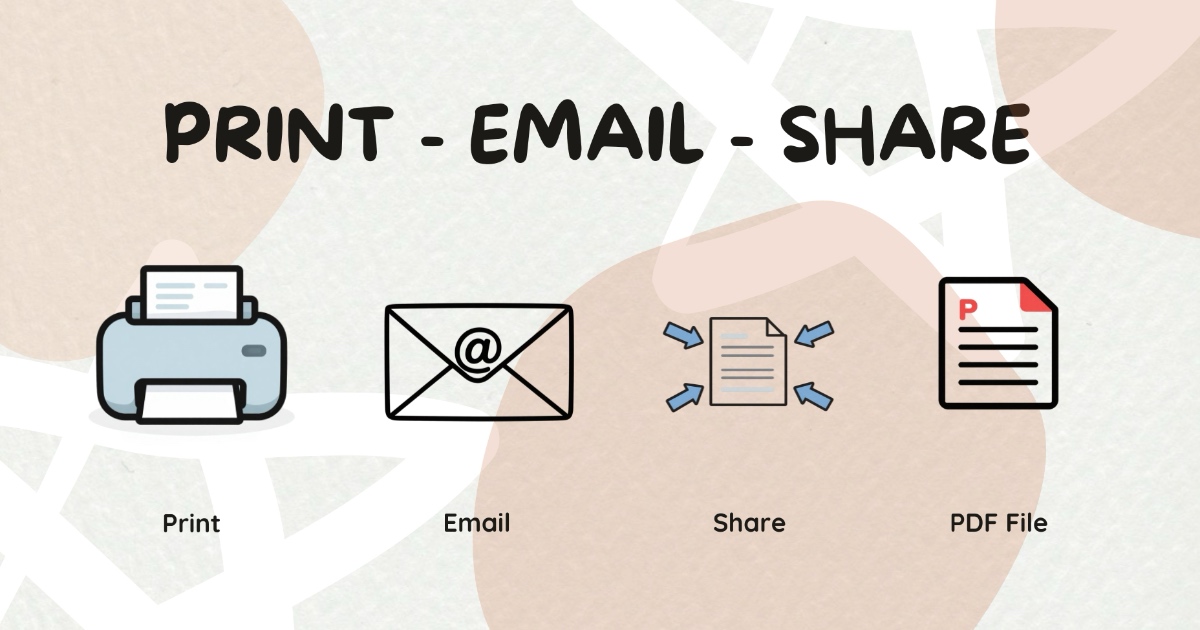
Sharing content by email or print
How to

Sharing content by email or print

Counsel Planner is not only designed to organise your work. It is also designed to share it properly. Sometimes you need to email a colleague a specific item, print out a day’s agenda, attach a deadline to a message or save a clean PDF to Files or iCloud.

·Staff Read →