Blog

Version: 26.2

The New Counsel Planner
What's New

The New Counsel Planner

On 4 March 2012, Agenda dell’Avvocato launched on the App Store. Since then, thousands of lawyers have used it every day to manage hearings, deadlines and case files — first on iPad, then on iPhone too.

·Staff Read →
How to switch from the old to the new Counsel Planner
How to

How to switch from the old to the new Counsel Planner

Thousands of lawyers have used the previous version of the app for years. Hearings, deadlines, case files — data built up carefully over time, woven into the fabric of everyday work. Understanding how to handle this transition, and why it’s worth doing, is the most important question right now.

·Staff Read →
Which subscription is right for you?
How to

Which subscription is right for you?

Counsel Planner is free to download. You don’t need to buy anything to get started: install the app, explore it, get comfortable with the interface. Only when you decide to use it in earnest does a subscription come into play — and even then, the first month is yours at no cost.

·Staff Read →
Jurisdiction and public holidays: tailor the app to your country
How to

Jurisdiction and public holidays: tailor the app to your country

Counsel Planner is used by lawyers in Italy, the United Kingdom, Ireland and the United States. Legal systems differ, public holidays differ, matter type names differ. Regional Settings make the app speak the language of your jurisdiction — regardless of the interface language.

·Staff Read →
Sample data: try the app before subscribing
How to

Sample data: try the app before subscribing

Before entering your real cases, we recommend exploring the app with sample data. You’ll see how a complete matter file works, how to add a hearing, how to navigate between sections — all without any risk. When you’re done, the sample data can be removed in just a few minutes. When you’re ready to subscribe, our buying guide covers everything you need.

·Staff Read →
Never miss a deadline: sync with Apple Reminders
How to

Never miss a deadline: sync with Apple Reminders

Counsel Planner can keep your deadlines in sync with Apple’s Reminders app. Every deadline you save in the agenda is automatically added to the list of your choice — and when you mark it as complete, the reminder updates itself. No double entry, no risk of missing anything.

·Staff Read →
Hearings and meetings in Apple Calendar
How to

Hearings and meetings in Apple Calendar

Counsel Planner can keep your hearings and meetings in sync with Apple Calendar. Every event you save in the agenda appears automatically in the calendar of your choice — complete with title, date, time and all notes. Every time you edit the app, the calendar updates accordingly. If you’re looking to sync deadlines with Reminders, you’ll find everything in the dedicated Apple Reminders guide.

·Staff Read →
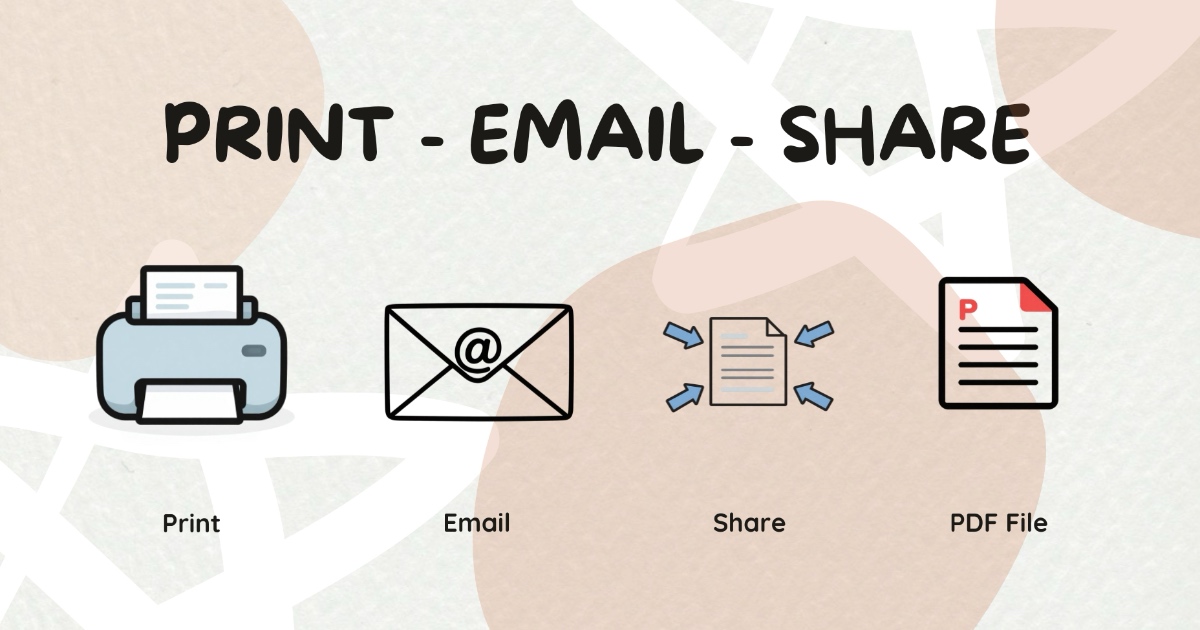
Sharing content by email or print
How to

Sharing content by email or print

Counsel Planner is not only designed to organise your work. It is also designed to share it properly. Sometimes you need to email a colleague a specific item, print out a day’s agenda, attach a deadline to a message or save a clean PDF to Files or iCloud.

·Staff Read →