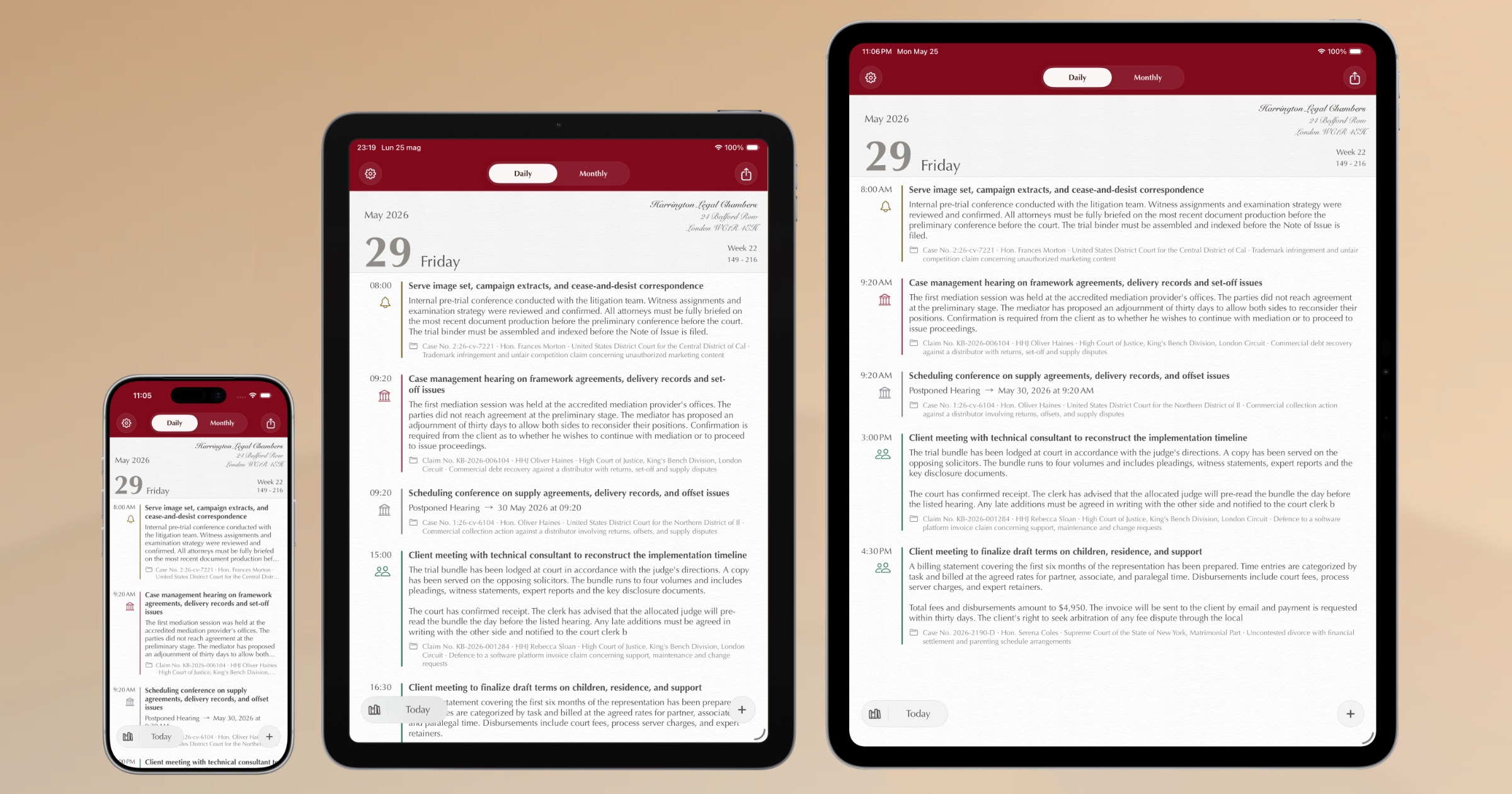
On 4 March 2012, Agenda dell’Avvocato launched on the App Store. Since then, thousands of lawyers have used it every day to manage hearings, deadlines and case files — first on iPad, then on iPhone too.
Fourteen years is a long time. The app has received continuous updates, new features, improvements. But beneath the surface, the technology it was built on was ageing. To the point where adding something new — sync between devices, artificial intelligence, a modern interface — had become impossible without starting from scratch.
So we started from scratch.
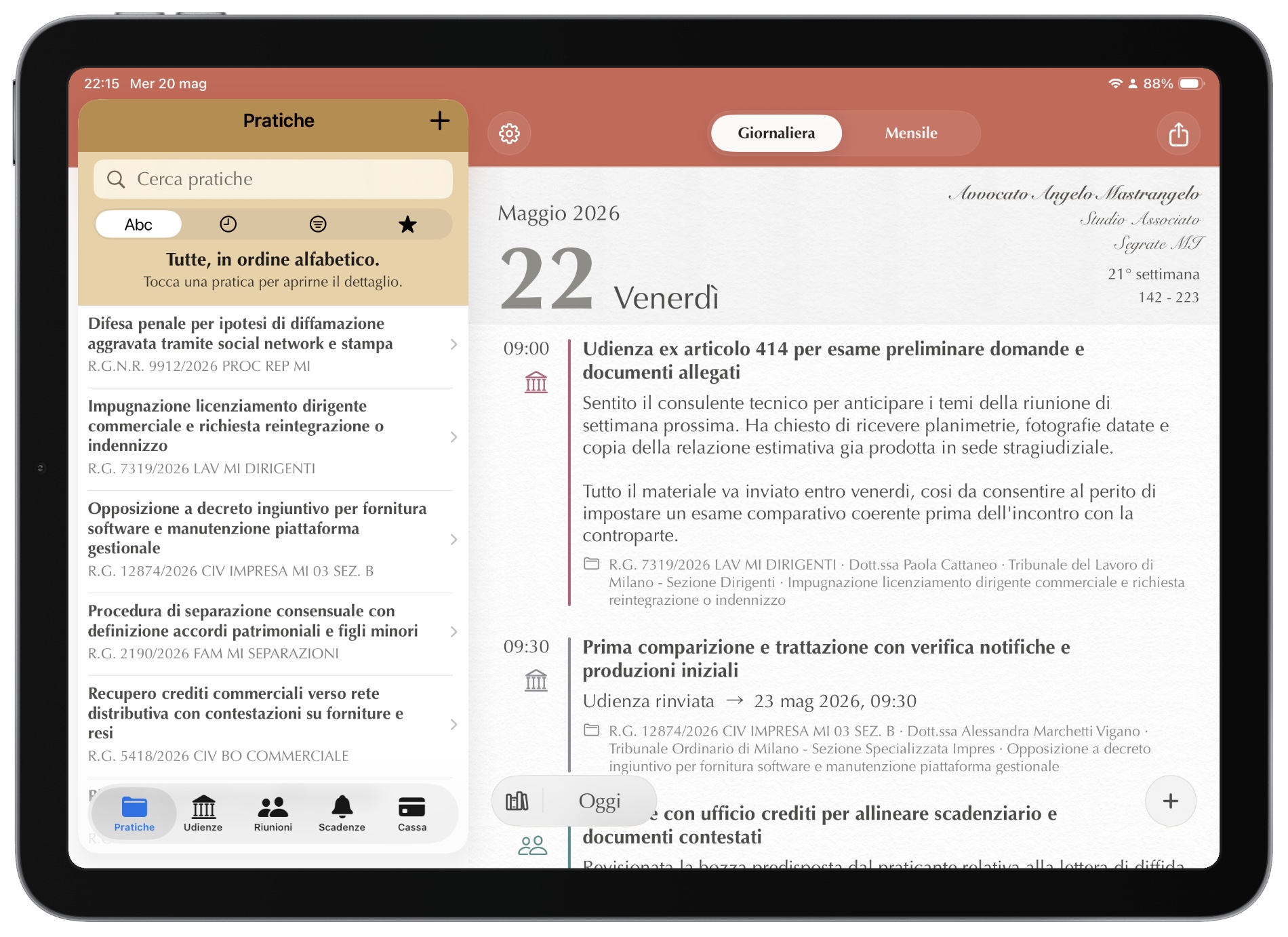
Familiar as ever, new inside
The new Counsel Planner keeps the same way of working: cases, hearings, deadlines, the archive. Nothing has been moved for the sake of change.
What has changed is in addition to what you already know. The app is beautiful, faster, more responsive, more stable. And it can now do things that were previously impossible — Apple Intelligence being the prime example.
One single app for iPad and iPhone
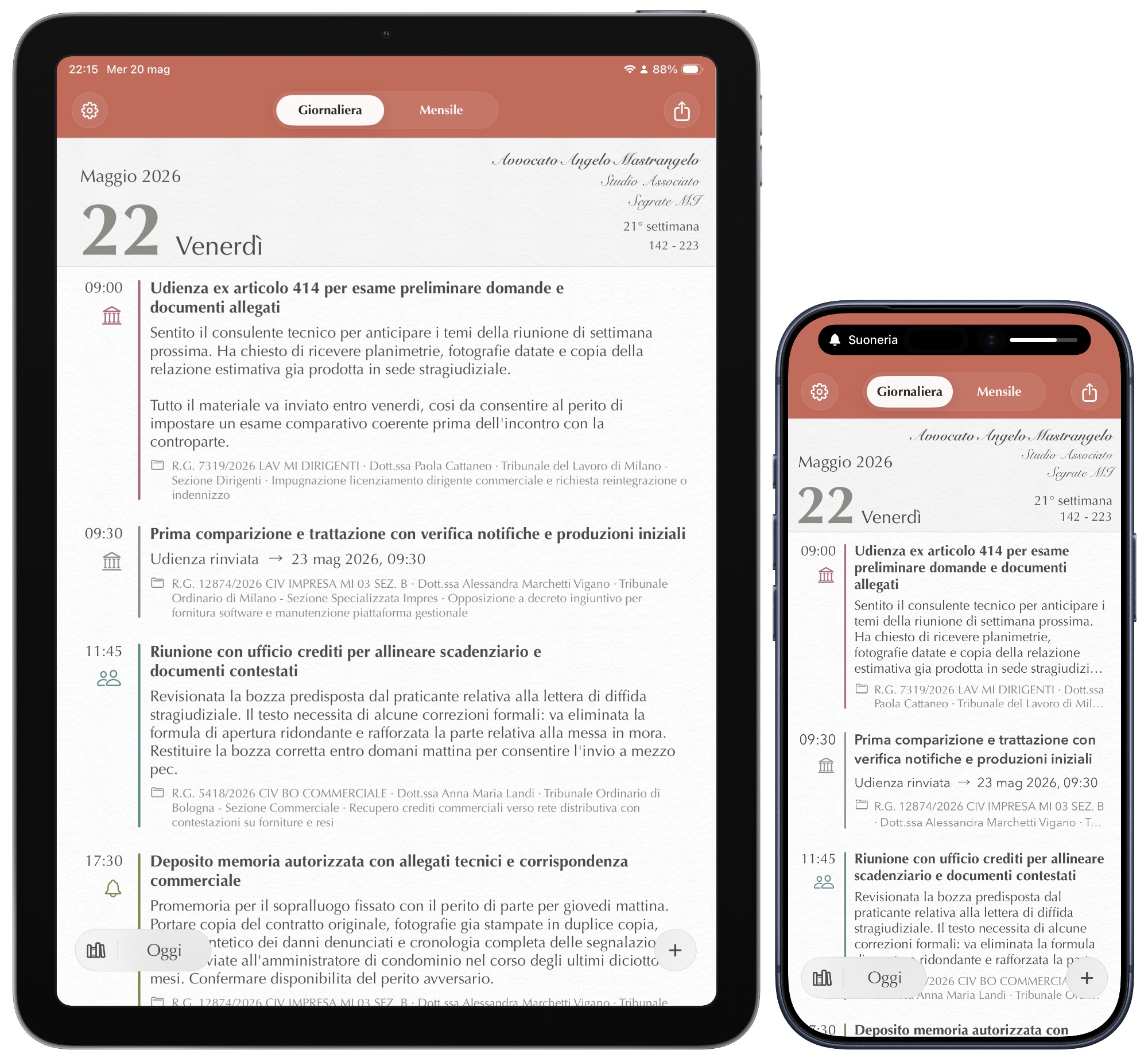
Before, there were two separate apps — one for iPad, one for iPhone. Now there is just one, universal, that works on both devices with the same archive and the same subscription.
On iPad the archive is always visible on the side. On iPhone everything is reachable with a gesture. The interface adapts on its own, without you having to do anything.
Your data on all your devices, automatically
The new app syncs via iCloud — the same space you already use for photos, documents and contacts. Data travels encrypted between your devices and only you can read it.
Add a hearing on your iPad at the office and find it on your iPhone when you leave. Without doing a thing. An up-to-date copy is always saved on the device, so you’ll always have access even without an internet connection.
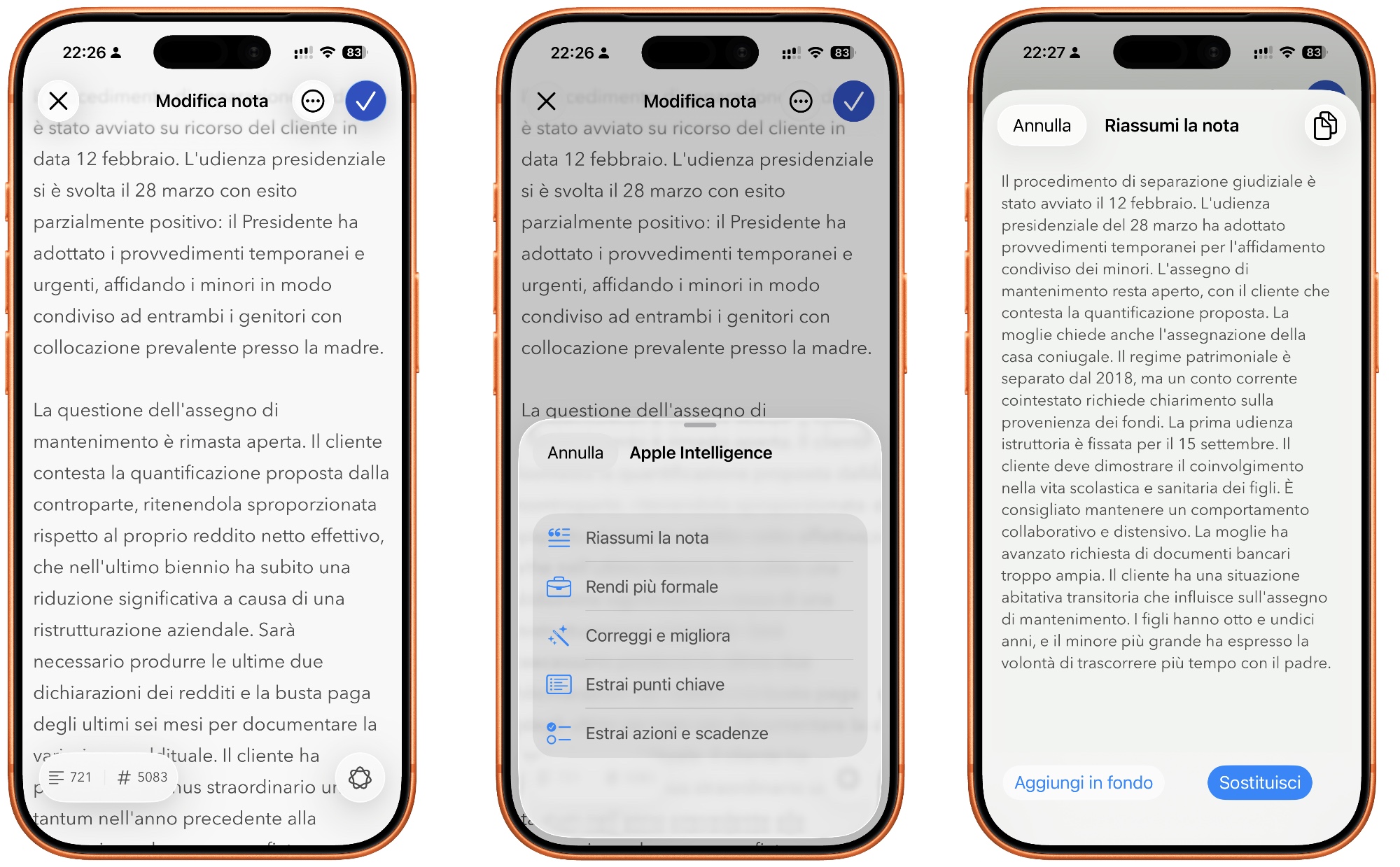
Apple Intelligence in the notes editor
If you have a recent iPhone or iPad, you can use Apple Intelligence directly in the notes editor. Summarise a long text, rephrase a note, correct a draft — all without leaving the app, without copying and pasting, without opening other tools.
Even more importantly, without leaving your device. Apple Intelligence runs on your iPhone or iPad and does not share your text with a server the way many other AI tools do. Here too, privacy is guaranteed “by design” by Apple.
A word on migration
We know that switching apps is never simple, and that data accumulated over time is substantial and valuable. Unfortunately the technological gap between the old and new version does not allow an automatic archive migration.
The current version will remain available on the App Store for a while longer, and local data will stay on your devices forever — nothing disappears. You can consult it and, if you decide to, move it gradually into the new archive. Look on the bright side: it’s a good opportunity to tidy up and get rid of data you no longer need.
To make the transition easier, we decided to make the new app free of charge. You can try it with a preloaded sample archive: six realistic cases with hearings, deadlines and notes, letting you explore every feature before entering your own data.
How much does it cost
The new Counsel Planner is free to download, on iPhone and on iPad.
To create new content — cases, hearings, notes — a subscription via the App Store is required. The cost is the price of a coffee a month. The first month is free, no upfront payment and you can cancel whenever you want. If you decide to cancel your subscription one day, the app stays active and you can continue to browse and edit your saved data forever.
Those who already use the app every day know how much time it saves. Those discovering it now have a month to find out.
In the next articles we’ll look at how the agenda works, how to organise cases, how to set up sync and how to use Apple Intelligence in everyday work.